AI-Powered Creative Workflows
In spring 2026, working with our IT team, I set up Claude to build pages directly in IntelliShift's WordPress site through an MCP connection. It turned a slow, page-by-page effort to unify the website into six new pages in one month and a plan to accelerate complete changes site-wide.
How I keep a human in the loop- Company
- IntelliShift
- Tools
- Claude, WordPress, Divi, MCP
- My role
- Creative Services Manager
- Scope
- Workflow design, Website production, Page design, Animation & icons
The challenge
I inherited a Frankenstein website, with two or three competing designs and layout styles. Each page looked like it came from a different era of the company.
The new brand was already showing up on social and at trade shows, but the website hadn't caught up. As the sole designer, I set a goal to bring the whole site under one design and one voice within a year, working piece by piece within our budget constraints instead of paying an outside firm for a rebuild.
The process made that hard. Every new page went through our website agency: I designed it in Figma, the agency built it in WordPress with the Divi builder and exported the graphics, then sent it back for my approval before it moved from staging to production. One page took two to three weeks, sometimes more than a month. After the first quarter of 2026, I doubted we could make every change we needed in time.
That spring, our VP of Marketing pushed the team to find significant ways to bring AI into our work. The website was the clearest place to start.
Creative approach
Let Claude build pages directly in our staging site, using pages we'd already designed as its guide.
We set up Claude with a WordPress MCP connection, so it could work inside the site and the Divi builder instead of passing files back and forth.
For each page, I gave Claude the content, my graphics and a design outline taken from a page we'd already designed. It built the page straight into staging, and I asked for the details that make a page feel finished, like animated cards and icons.
I made sure Claude built every page with the Divi builder instead of custom code. That future-proofs the site: anyone on the team can still make small changes in Divi, and we're not dependent on Claude or a developer if our tools change.
We made sure the last check was always human. Claude could only work on the staging site, never the live one, and it was forbidden from pushing anything without our explicit approval. Our website agency also reviewed the code of every page Claude built for anything that looked off.
Start from what's approved
Existing pages serve as the design outline, so new pages match the rest of the site.
Build where the site lives
Claude works directly in WordPress and Divi, so pages stay editable without Claude or code.
A human approves everything
Claude works only on staging and can't publish without our explicit approval.
My role
As Creative Services Manager, I worked out how AI could take on my own production work, then set up and ran the workflow.
- Finding where AI could save the most time in creative work
- Setting up the Claude and WordPress MCP connection, with our IT team
- Briefing each page with content and a design outline
- Building pages, animations and icons in Divi with Claude
- Designing the graphics used on each page
- Setting the rules: staging only, nothing published without approval
Worked with: IT (MCP setup), Website agency (code review), Content strategist (AI-assisted FAQs)
The work
Before: two to three weeks
The old process, for a single page.
- DesignI mocked up the page in Figma.
- Hand-offThe Figma file went to our website agency.
- BuildThe agency built the page in WordPress and Divi and exported the graphics.
- ReviewThe agency sent the page back for my approval.
- PublishOnce approved, it moved from staging to production.
After: a few hours
The new process, with Claude connected to WordPress.
- BriefI give Claude the content, my graphics and a design outline from an existing page.
- BuildClaude builds the page in the staging site with Divi, through the WordPress MCP connection.
- RefineI ask for animations, icons and other finishing details.
- Code checkOur website agency reviews the code on staging for anything off.
- ApproveNothing goes live without our explicit approval.
What we built
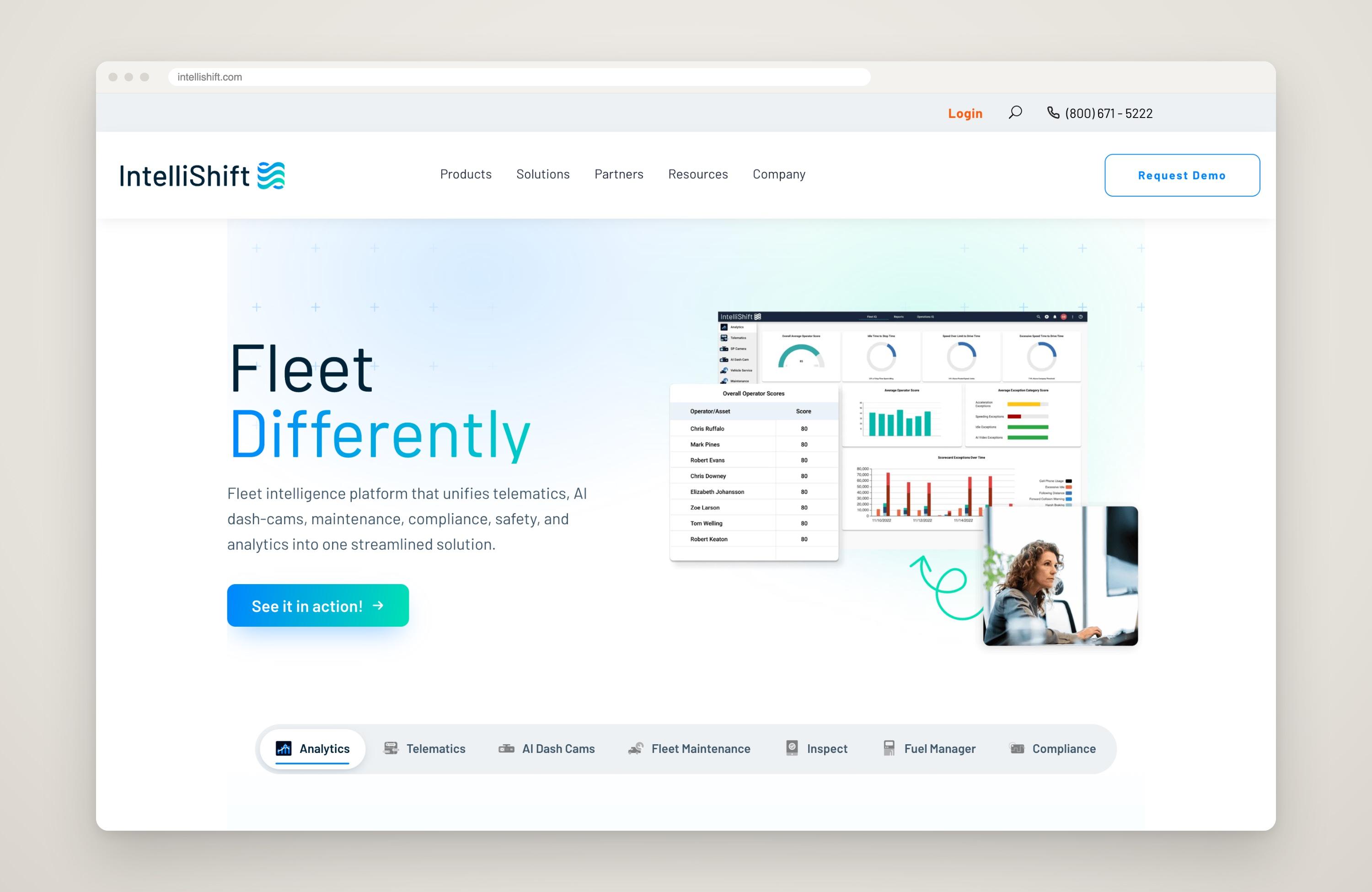
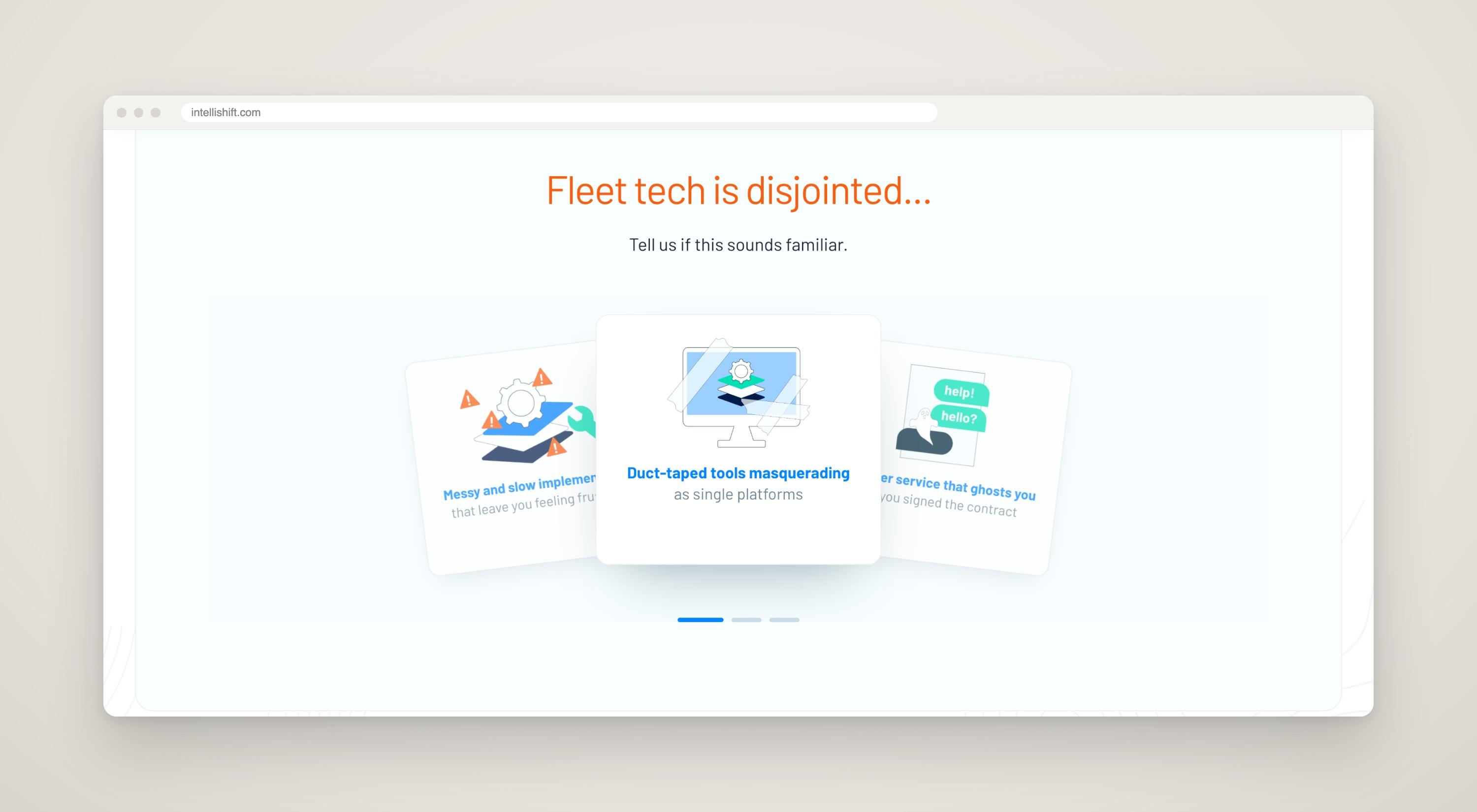
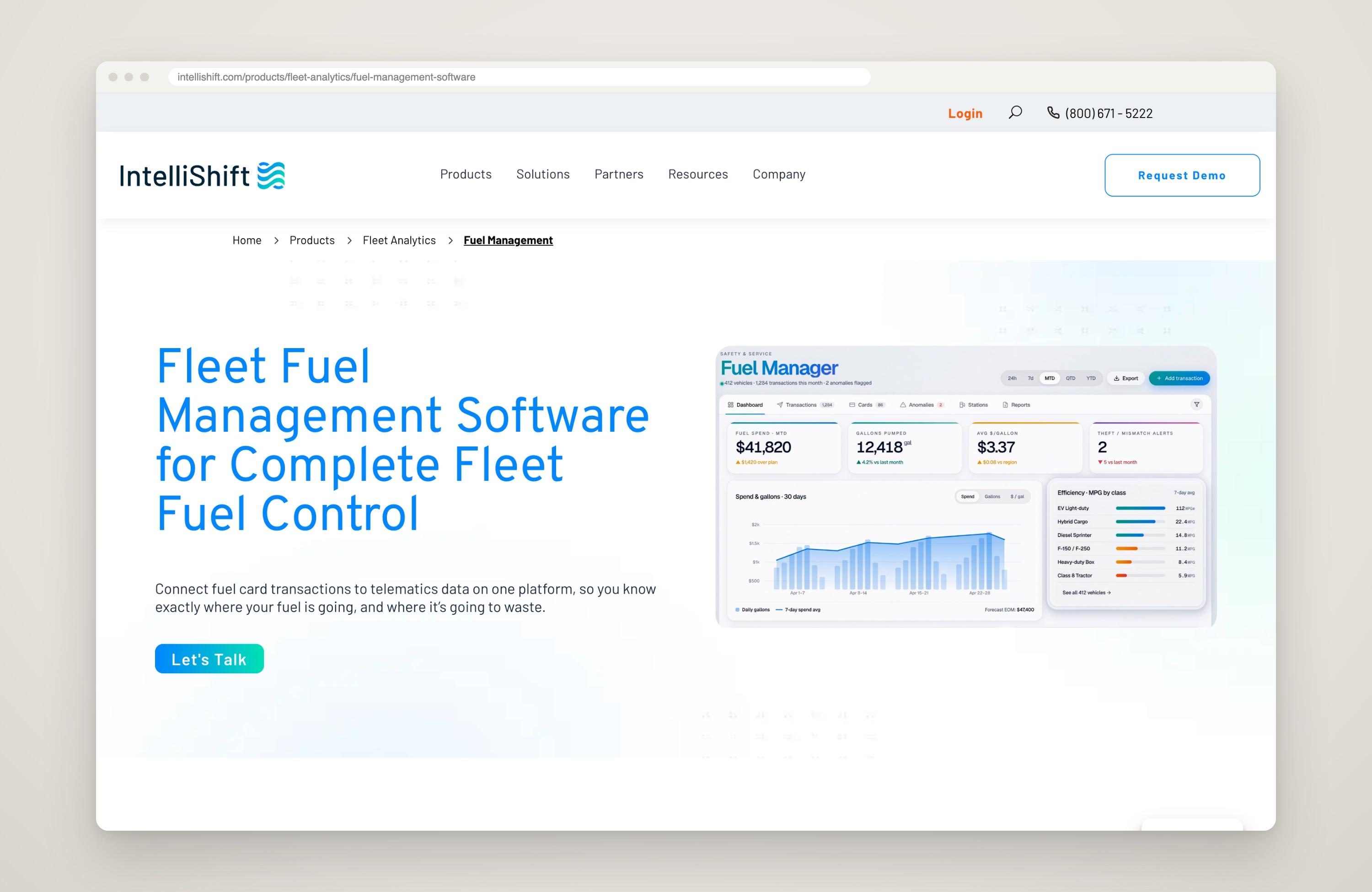
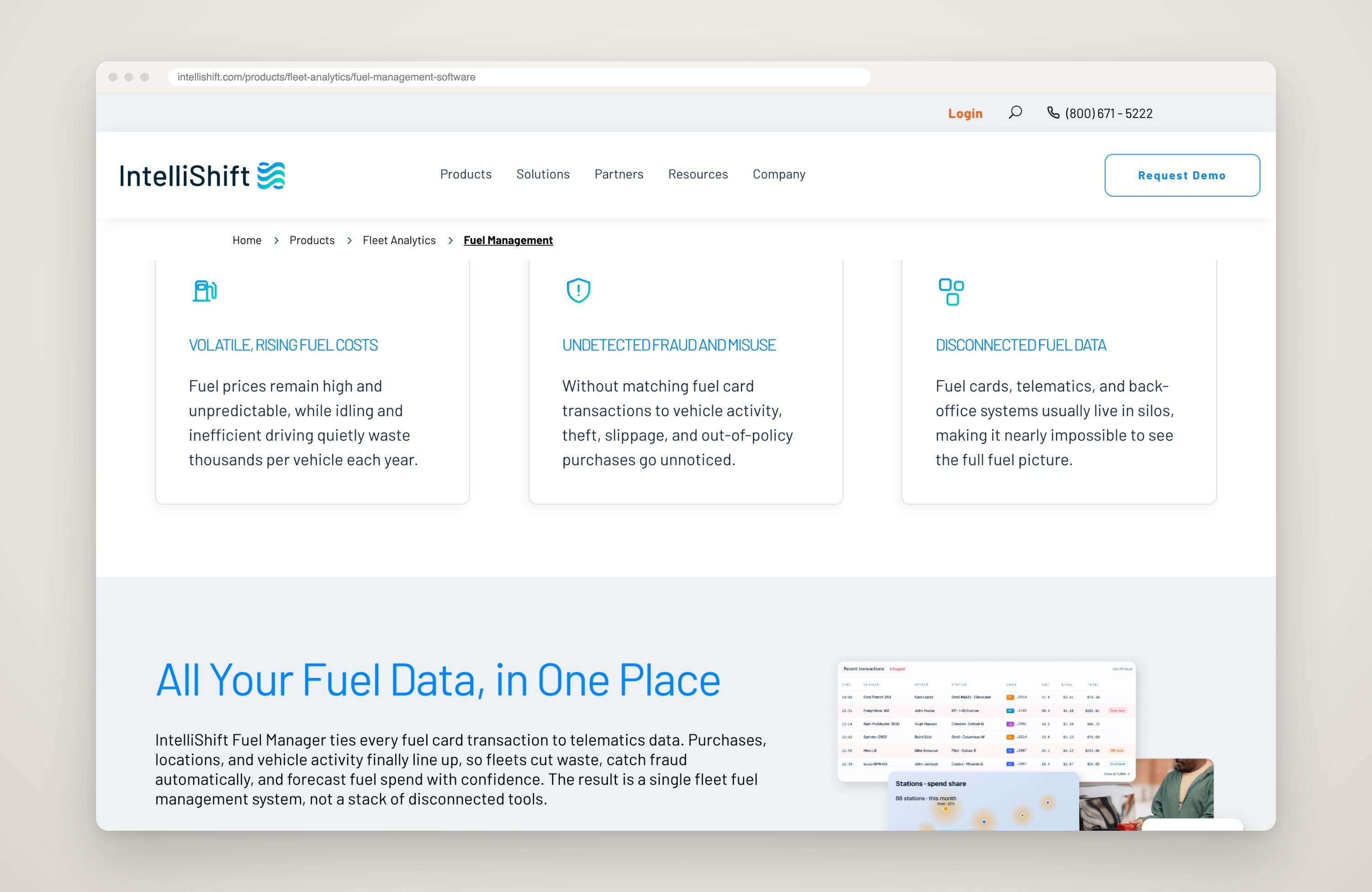
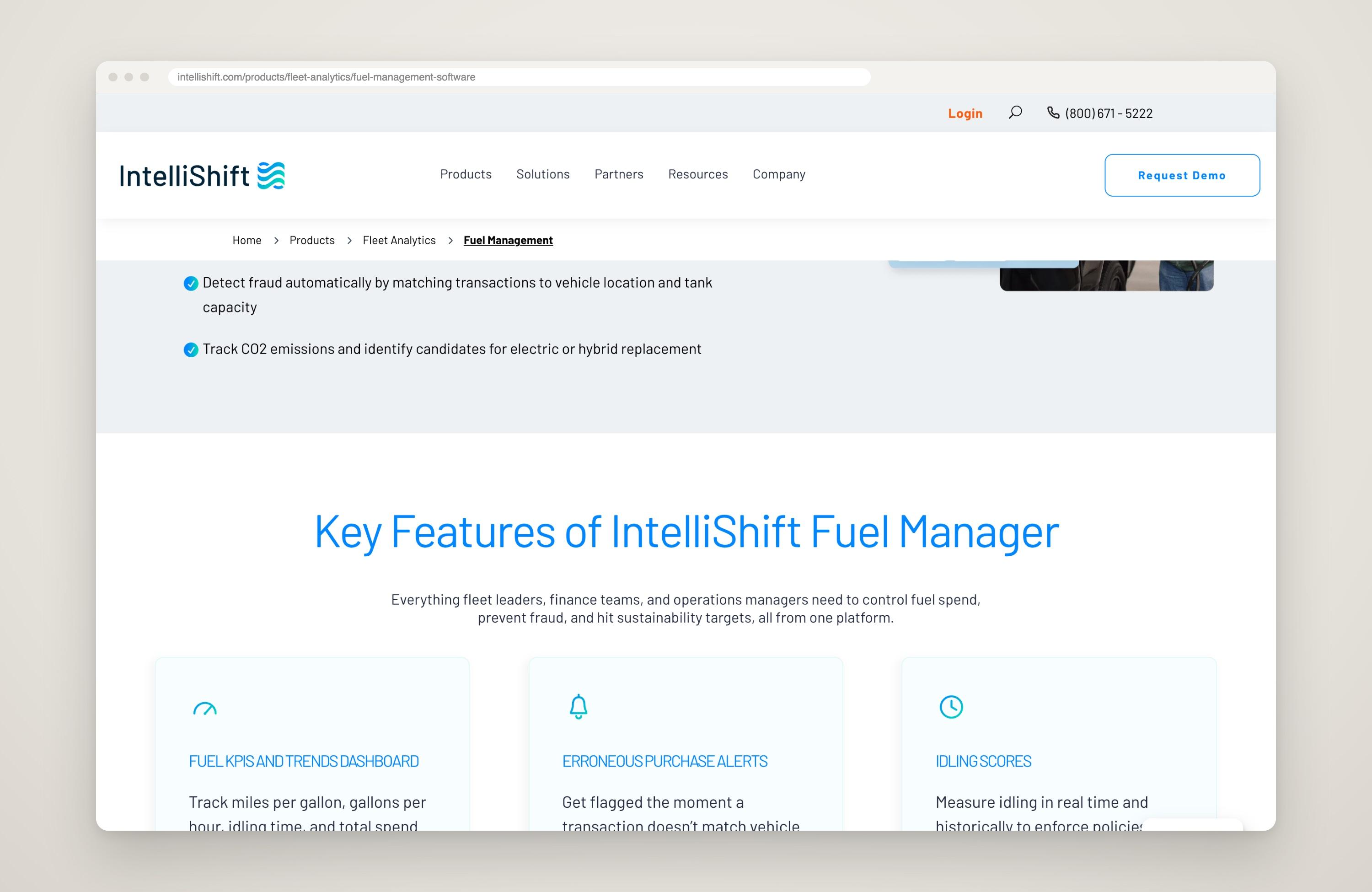
Everything below was built by Claude in staging from our content and my graphics, checked by our agency and approved before going live. On the homepage, that meant animating the hero, the logo carousel and the "Fleet tech is disjointed" cards. The Fuel Management page was built from scratch, with my icons and subtle animations throughout.
Human-in-the-Loop (HITL)
How I use AI as a tool while a person reviews every draft and approves what ships, with two examples: a web page and a video.
Impact
After a first quarter where finishing the website in a year looked out of reach, we pushed six new pages in one month.
Hours, not weeks
Full pages, including animations and icons, now come together in hours instead of two to three weeks.
AI on the content side too
Our content strategist used AI to go through our content library and write FAQs for the product pages, helping the site show up in AI search.
Live on intellishift.com
The animated homepage hero, logo carousel and cards, plus the full Fuel Management page, were all built this way.